Find a place to listen
The scan looks for things like peak risk, mono changes, low-end width, loudness, balance, and buildup.

Put Mix Companion on your DAW's main output. It can scan for common mix problems, or you can start with something you already hear. Then it gives you one focused move to try and a way to compare it.
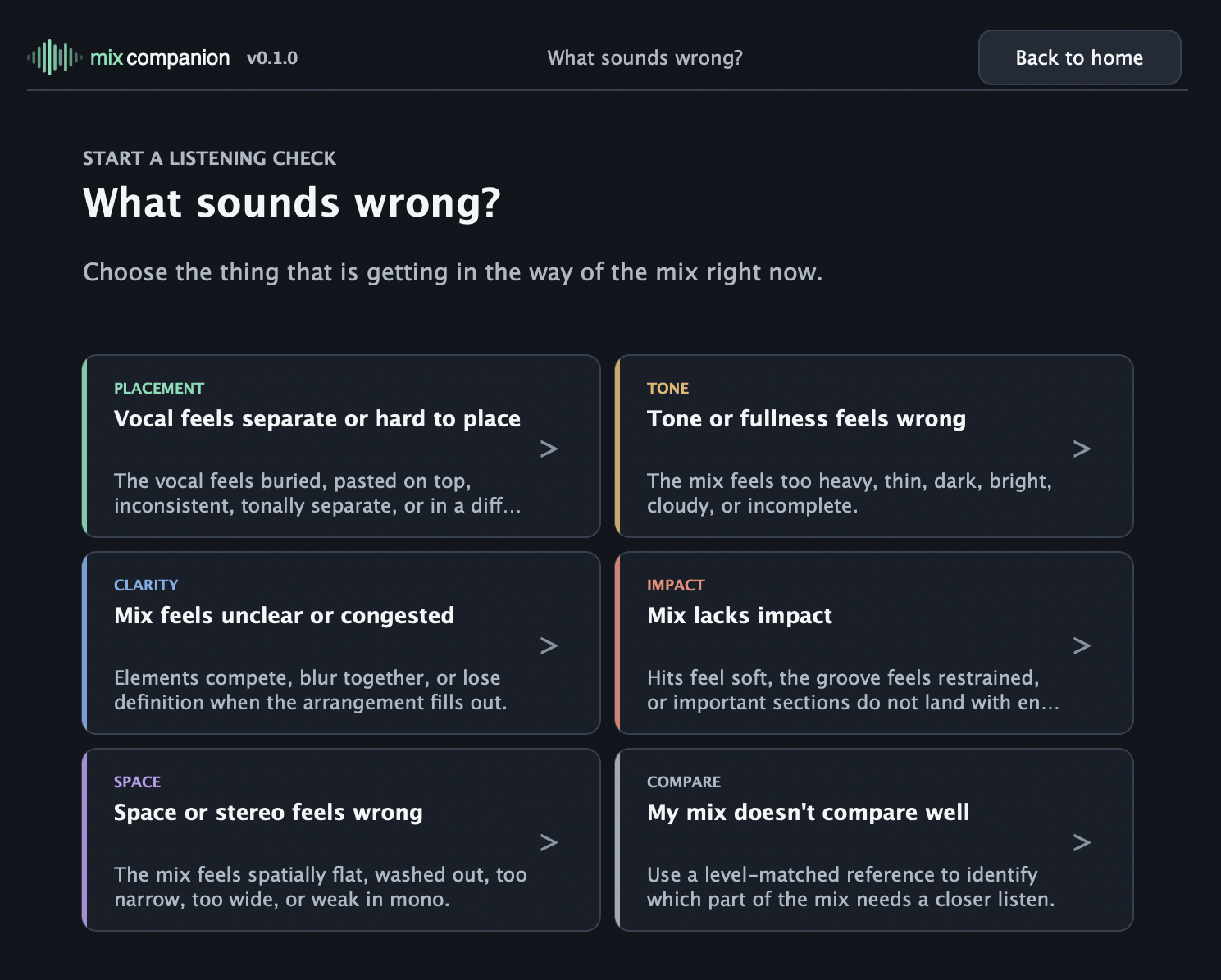
If something already bothers you, choose it. If you are not sure where to start, play the mix and let Mix Companion point to a few things worth hearing.
The scan looks for things like peak risk, mono changes, low-end width, loudness, balance, and buildup.
Get one move to try in the tools you already use, plus a plain-English cue for what to listen for.
Keep a record of what you tried, where you listened, and whether you kept the change.
Put it on your main output, play the part that matters, and work through one check at a time.
Start with a scan or a problem you already hear, try one change, and compare it before deciding what stays.
No account or activation. Enter your email and we will send the macOS installer and setup notes. Windows support is coming later.
You are using the early tester link. No email is needed for this first build.
Download the macOS installerSetup notes: see the installation guide.